-
×
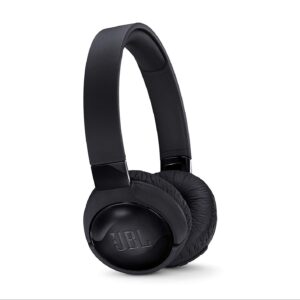
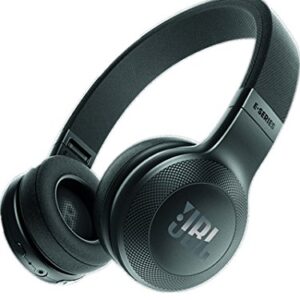 JBL E45BT On-Ear Wireless Headphones
1 × $8.00
JBL E45BT On-Ear Wireless Headphones
1 × $8.00
Subtotal: $8.00
 JBL E45BT On-Ear Wireless Headphones
1 × $8.00
JBL E45BT On-Ear Wireless Headphones
1 × $8.00 Subtotal: $8.00
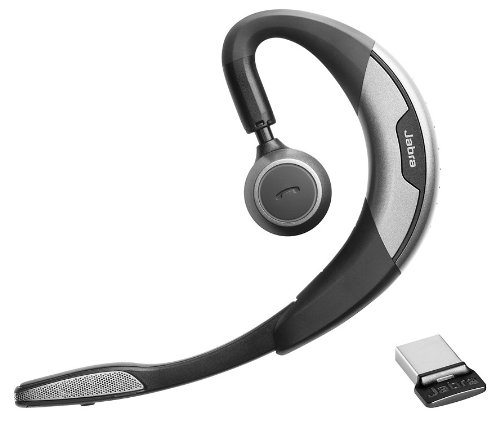
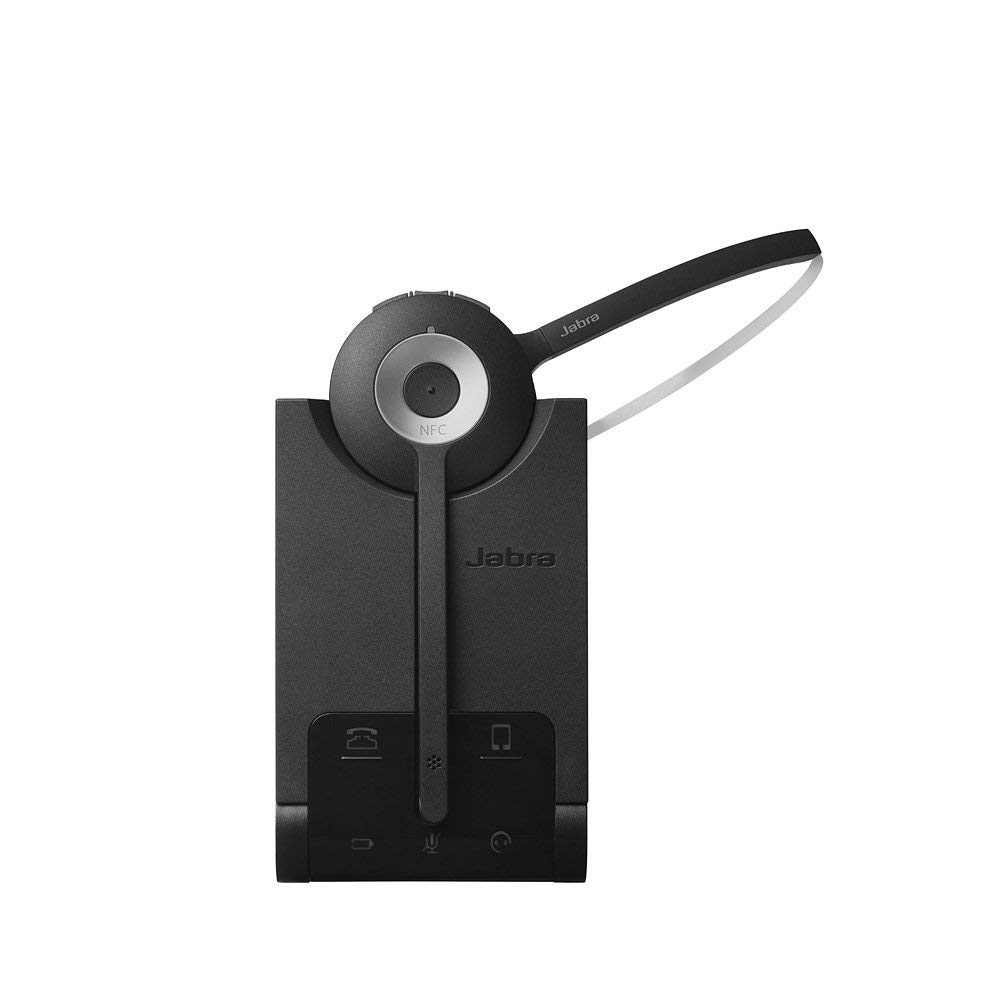
Jabra Motion UC is the ultimate headset featuring a unique intelligent motion sensor that allows you to effortlessly take or make that important call wherever you are. Featuring the best that the latest technology has to offer, Jabra Motion UC is above and beyond your expectations. With the built-in motion sensor and advanced microphones, the headset intelligently adapts the sound to your surroundings when you’re on-the-go or working in the office. The motion sensor also allows you to intuitively handle your calls – simply pick up the headset and put it on your ear to automatically answer a call.
Jabra Motion UC also lets you connect to practically any Bluetooth-enabled device, making it easy to seamlessly switch between your tablet, PC or smartphone. The headset comes with a USB adapter, which allows you to take or make internet calls via your PC and still be connected to you smartphone, tablet or other device. Your wireless freedom is thereby enhanced by a 10x longer Bluetooth range to you PC or laptop. Jabra Motion is really the only headset you’ll need for all your devices.
Jabra Motion UC has been designed with your personalized comfort in mind – with Jabra’s legacy of the behind-the-ear wearing style and unique height adjustment of the speaker tower, you can wear the headset in a way that makes you feel most comfortable. And when you’re done using it, simply fold the flip-boom arm and put the headset in your pocket to take it with you.
Jabra Motion UC also features NFC technology* for easy pairing – simply tap the headset on your smartphone* and you’re easily connected to take and make calls or stream your favorite multimedia – music, GPS and podcasts.
1. While pressing the Call button, open the flip boom-arm. Release the Call button when the Bluetooth light flashes blue.
2. Wear on the ear and follow the voice-guided connection instructions.
1. Plug the Jabra Link 360 Nano Bluetooth USB adapter into any available USB port on your PC.
2. Open the flip boom-arm on the headset to connect to the Jabra Link 360.
There are no reviews yet.